How ABA Agencies Are Automating Billing, Intake, and Supervision Tracking with AI (2026)
The average ABA agency running 20 active clients has at least three manual workflows that consume 10–15 hours of admin time per week: authorization renewals, new client intake, and BACB supervision tracking. In 2026, all three are automatable. Most practices haven't automated any of them.

The average ABA agency running 20 active clients has at least three manual workflows that consume 10–15 hours of admin time per week: managing authorization renewals before they lapse, processing new client intake without PHI falling through the cracks, and tracking BACB supervision hours without someone manually counting spreadsheet rows. In 2026, all three of these are automatable. Most practices haven't automated any of them.
This isn't a technology problem — it's a discovery problem. The tools exist. The HIPAA-compliant automation platforms exist. What's missing is a guide written by someone who has built these systems for ABA practices specifically, not just generic healthcare workflow guides that don't account for Medicaid billing rules or BACB supervision ratio requirements.
This is that guide. Three workflows, concrete implementation details, and an honest assessment of when to use off-the-shelf automation versus custom development.
Workflow 1: ABA Billing Automation
Billing is where most ABA practices have the highest administrative overhead — and the highest risk of revenue leakage from authorization lapses, eligibility failures, and billing timing errors.
The manual billing problem in ABA
A 20-therapist ABA practice typically manages 60–100 active authorizations at any given time. Each authorization has an expiration date, a unit limit, a service code scope, and a payer-specific renewal process. Tracking this manually — even in a well-maintained spreadsheet — means someone is checking expiration dates weekly, sending renewal requests on no particular trigger, and discovering lapsed authorizations at the point of billing rather than 30 days before.
A lapsed authorization typically means services already rendered cannot be billed retroactively. For a 20-therapist practice, a single week of lapsed authorizations across several cases can represent $15,000–$30,000 in unbillable sessions. This happens regularly in practices that manage authorizations manually.
What automated ABA billing looks like
A Keragon-based billing automation layer changes the workflow at three trigger points:
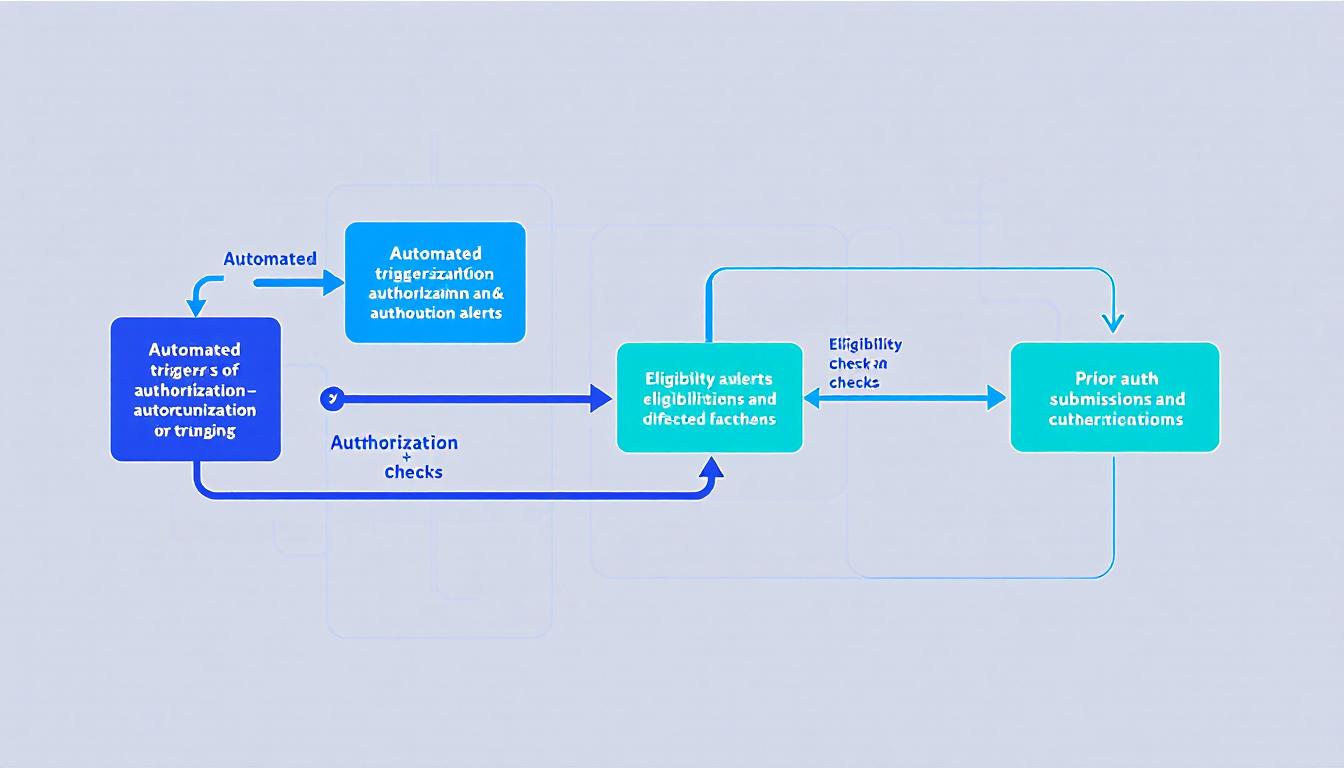
Authorization renewal alerts (30/15/7 day triggers): Keragon monitors authorization end dates in your EHR and fires automated alerts to your billing coordinator at 30, 15, and 7 days before expiration. The alert includes the client name (within a HIPAA-compliant environment), the authorization details, and a pre-populated renewal request form. Billing staff don't check spreadsheets — the work comes to them.
Medicaid eligibility verification before sessions: For Medicaid-funded clients, eligibility can change without notice. Keragon can run automated eligibility checks via your clearinghouse connection on a daily or pre-session basis, flagging any changes before the session is rendered rather than at the point of claim submission. A failed claim filed after a session that shouldn't have been billed is more expensive to correct than a 30-second eligibility flag before it.
Prior authorization submission triggers: For payers requiring prior authorization for continued services, Keragon can trigger the prior auth submission workflow automatically when a client's session count crosses a threshold — rather than relying on a billing staff member to notice and act. The trigger fires, the PA request is populated from EHR data, and it routes to the billing coordinator for final review and submission.
Time savings estimate
For a 20-therapist practice managing 80 active authorizations, a Keragon billing automation layer typically reduces authorization-related admin time by 6–10 hours per week. At a burdened admin cost of $25–35/hour, that's $150–350/week in recovered labor cost — or $7,800–$18,200 annually. The setup cost for a Keragon billing layer is typically a fraction of the first-year savings.
What Keragon requires to work
Keragon is a no-code HIPAA-compliant automation platform that connects to your existing systems via APIs and webhooks. It signs BAAs and stores data in a HIPAA-compliant environment. It's not a magic button — it requires configuration for your specific EHR, your payer mix, and your authorization renewal workflow. But it doesn't require custom software development. A properly scoped Keragon billing automation setup typically takes 2–4 weeks to configure and test.
Workflow 2: HIPAA-Compliant ABA Intake Automation
New client intake is the second-highest administrative overhead in most ABA practices — and the one most likely to have active HIPAA compliance gaps. Intake collects the most sensitive PHI in the clinical relationship: diagnosis, insurance information, behavioral history, family contact data. It also typically happens across the most unsecured channel in the practice's stack.
The manual intake problem
A typical ABA intake workflow looks like this: a family calls or fills out a web form, someone on the intake team emails them a PDF intake packet, the family fills it out and emails it back, intake staff manually enter the data into the EHR, and authorization requests are submitted once the intake is complete. Every step in that chain has a HIPAA gap — the emailed PDF, the freeform inbox handling, the manual data entry from an unsecured document.
Beyond the compliance risk, the manual process is slow. A family that submits intake on a Tuesday might not have their insurance verified until Thursday, their authorization submitted until the following Monday, and their first session scheduled a week after that. In markets where ABA waitlists are competitive, a faster intake process is a direct competitive advantage.
What automated ABA intake looks like
A HIPAA-compliant intake automation layer replaces the PDF-email cycle with a structured digital workflow:
HIPAA-compliant intake form: A digital intake form hosted on a HIPAA-compliant platform (JotForm HIPAA tier, or a custom form on HIPAA-compliant infrastructure) collects all intake data in a secured environment with encryption in transit and at rest. The form submission triggers the downstream workflow automatically — no manual inbox processing.
Automated insurance verification: On form submission, Keragon fires an eligibility check via your clearinghouse connection using the insurance information provided. Results route to the intake coordinator's dashboard within minutes rather than the next business day. Cases with clean eligibility proceed; cases with eligibility issues are flagged for manual review.
EHR record creation and scheduling trigger: Once eligibility is confirmed, Keragon creates or updates the client record in your EHR with the intake data, triggers the authorization request workflow, and queues the scheduling coordinator to assign an initial assessment appointment. The intake coordinator reviews and confirms — they don't initiate.
Caregiver communication: Automated confirmation messages go to the family at each stage (intake received, insurance verified, appointment scheduled) via a HIPAA-compliant messaging channel. Caregivers know where they are in the process without calling your intake team.
Time savings and throughput impact
Practices that implement automated intake typically reduce intake cycle time from 5–10 business days to 2–3 business days for straightforward cases. For a practice that onboards 10 new clients per month, this is a meaningful competitive differentiator in markets where families are comparing waitlist times across agencies. It also reduces intake staff time by approximately 3–5 hours per new client for manual data handling and status communication.
Workflow 3: BACB Supervision Tracking
The third major automation opportunity is the one most specific to ABA — and the one with no good off-the-shelf solution. BACB supervision tracking is required by the credentialing body that certifies BCBAs and governs RBT credentialing, but the tracking requirements don't map cleanly onto the tools that agencies actually use.
The BACB supervision requirement
The BACB requires that BCBAs providing supervision to RBTs document a minimum of 5% of supervised hours as direct observation, maintain supervision logs that meet specific content requirements, and ensure that no individual supervisor exceeds the ratio limits for the number of RBTs they supervise. BCaBAs working toward BCBA certification have their own supervision hour requirements tracked separately.
Most agencies track this in one of three ways: CentralReach's built-in supervision module (functional but limited), a shared spreadsheet updated manually by supervisors, or a hybrid of both. All three require someone to periodically audit the data for ratio compliance — and none of them proactively alert supervisors when a ratio is approaching its limit.
What a custom supervision tracking dashboard provides
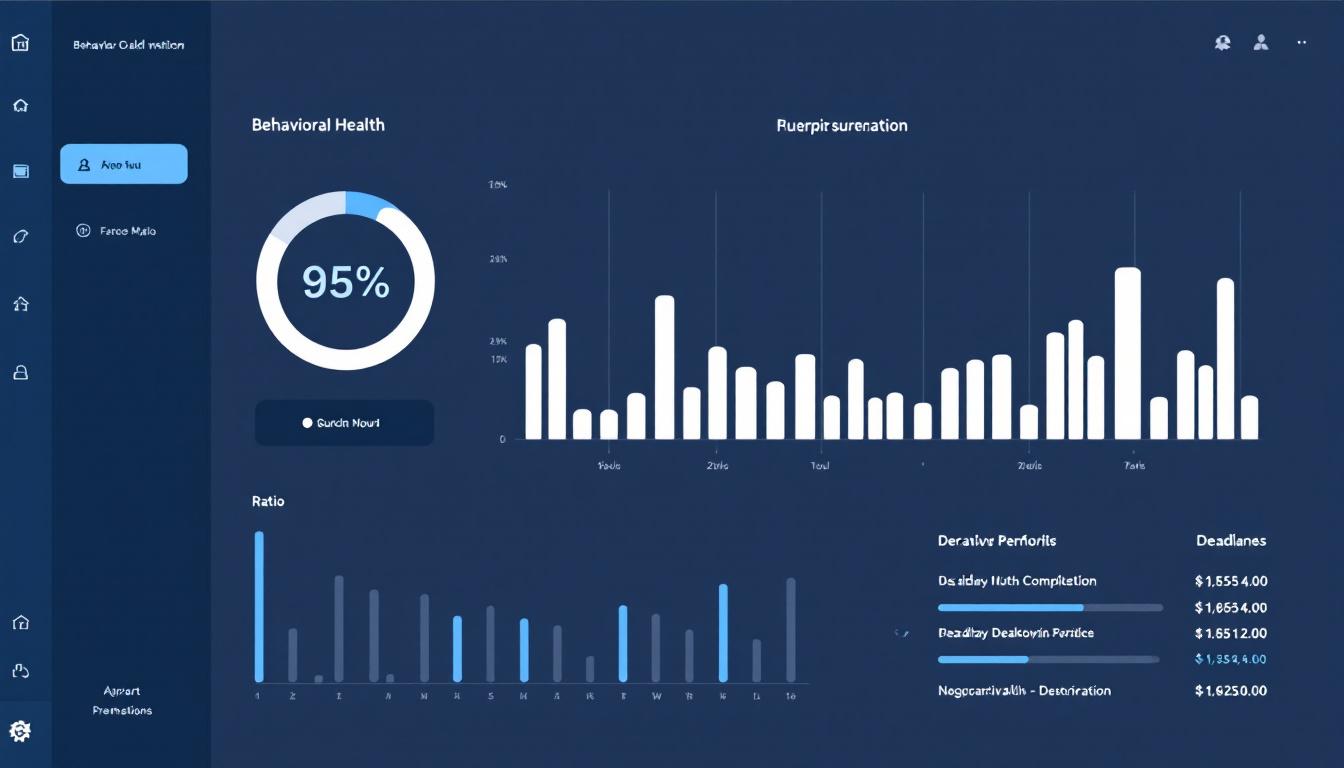
A custom supervision tracking dashboard built for ABA does three things the current options don't:
Real-time ratio monitoring: The dashboard calculates each supervisor's current ratio (number of active RBTs they supervise) against BACB limits and flags any supervisor approaching the maximum. Supervisors can see their own ratio; compliance coordinators can see the full roster. This is a read operation from your existing EHR or scheduling data — no manual entry required.
Automated supervision hour alerts: The system tracks supervision hours logged per RBT and fires alerts when an RBT is approaching their monthly requirement — giving supervisors and RBTs advance notice rather than a retroactive gap. For BCaBAs working toward BCBA certification, the same logic applies to their accumulated supervised fieldwork hours.
BACB-compliant log generation: When a supervision session is logged, the system generates a documentation entry that meets BACB's content requirements for supervision records — date, duration, format (individual vs. group), activities covered, supervisor attestation. The supervisor reviews and signs digitally; the record is stored in a HIPAA-compliant environment with appropriate access controls.
Why this requires custom development
Unlike the billing and intake workflows, supervision tracking doesn't have a Keragon-configuration solution — it requires a custom data model that maps your specific supervisor roster, credentialing requirements, and RBT assignment structure. The good news: it's a relatively narrow build scope. A supervision tracking dashboard typically takes 4–6 weeks to design and deploy, and it integrates with your existing EHR as a read layer rather than replacing any existing system.
When to Use Keragon vs. Custom Development
The three workflows above fall into two categories:
- Keragon (billing automation + intake automation): These are configuration problems — connecting existing systems via APIs and webhooks, building trigger logic, and routing data through a HIPAA-compliant automation layer. Keragon is purpose-built for this. Setup requires configuration expertise and knowledge of your specific EHR and payer connections, but not software development.
- Custom development (supervision tracking): This is a data modeling and interface problem — building a system that understands your supervisor roster, tracks credential-specific hour requirements, and surfaces ratio and completion data in a usable dashboard. No off-the-shelf tool solves this for ABA specifically. It needs to be built.
A practice implementing all three of these workflows would typically: deploy the Keragon billing and intake layers first (faster ROI, faster setup), then fund the supervision tracking build from the recovered admin hours. The full implementation timeline for all three — Keragon configuration plus custom supervision dashboard — is typically 8–14 weeks end-to-end.
Getting Started
The best starting point is a workflow audit — a structured review of which of the three workflows above applies to your practice and what the current manual process looks like. That audit determines whether Keragon configuration is sufficient or whether custom development is needed, and it produces a scope document that can be turned into a project proposal.
At Auth Software, we do this audit as part of a free discovery call. Our founder is a BCBA — he understands the BACB requirements, the Medicaid billing rules, and the CentralReach data model without requiring a briefing. If you've been living with manual billing, intake, or supervision tracking workflows and you're curious what the automated version looks like for your specific setup, book a 30-minute call.
If you want to understand the HIPAA compliance layer before thinking about automation, the BCBA's guide to HIPAA-compliant ABA practice management is the right starting point. And if you're evaluating the broader landscape of AI automation in healthcare, our HIPAA-compliant AI automation overview covers the full picture.
Continue reading
The BCBA's Guide to HIPAA-Compliant ABA Practice Management (2026)
Most ABA agencies assume they're HIPAA compliant because they use CentralReach. They're usually wrong — not about the EHR, but about everything around it. A plain-language breakdown of what HIPAA actually requires for ABA practices, where most agencies have gaps, and how to close them.
AutomationCentralReach vs. Custom ABA Software: When Your Practice Has Outgrown Off-the-Shelf
CentralReach is the dominant EHR in the ABA market for good reason. But there's a specific set of scenarios where it stops being the right choice — and when practices hit those scenarios, they usually don't realize it until they've already built a year's worth of workarounds.
AutomationAI for ABA Practice Management: Scheduling, Billing, and Documentation Automation
Running an ABA practice means managing prior authorizations that expire mid-treatment, session notes that take longer than the sessions, and scheduling complexity that most practice management software wasn't built for. Here's what AI automation actually changes at the practice level — and what it doesn't.