AI for Dental Practices: 5 Workflows That Save Hours Every Week
These 5 AI workflows are saving dental practices 6–12 hours per week — without replacing staff or overhauling your existing software.
A dental practice runs on appointments, insurance claims, patient communications, and documentation — all of it time-intensive, most of it repetitive. The average front desk team spends 40–60% of their day on tasks that follow predictable patterns. That's exactly what AI is built for.
The dental practices seeing the biggest gains from AI aren't replacing their staff or overhauling their software stack. They're adding targeted automation to the most time-consuming touchpoints. Here are the five workflows delivering the most consistent results.
Why Dental Practices Are a Strong Fit for AI
Before getting into the specific workflows, it's worth understanding why dentistry is one of the better verticals for AI automation — and what makes it different from generic business automation.
Dental practices deal with three things AI handles well: structured data (patient records, insurance codes, appointment types), predictable communication patterns (recall reminders, confirmations, post-op instructions), and high-volume repetitive tasks (claims scrubbing, chart notes, scheduling).
The challenge is that dental practice management software — Dentrix, Eaglesoft, Open Dental, Curve — is mature and entrenched. Most AI automation has to work alongside it, not replace it. That's the design constraint that shapes what actually works in practice.
The five workflows below are all built around this constraint: they plug into existing software via API, email, or export — not replacement. They're also HIPAA-aware. Any AI system handling patient data must be deployed with Business Associate Agreements in place and data routing through compliant infrastructure.
Workflow 1: Automated Appointment Recall and Re-Engagement
Time saved per week: 3–6 hours
Recall is the lifeblood of a dental practice — and one of the most manual processes in a typical front desk workflow. Staff track who's due for a 6-month cleaning, filter by lapsed patients, draft reminders, send them across channels, then log responses. For a practice with 800+ active patients, that's a significant weekly time sink.
An AI recall workflow changes this. The system pulls patient data from your practice management software on a schedule, identifies patients due within the next 4–8 weeks based on last visit and recall interval, and sends personalized outreach across the patient's preferred channel (text, email, or call script for staff).
What makes it AI — rather than just a bulk email — is the personalization and the response handling. The messages reference the patient's actual history ("It's been about 7 months since your last cleaning with Dr. [Name]"). Responses that confirm, reschedule, or decline get routed appropriately without staff intervention. Only the ambiguous cases land in a staff queue.
Most practices running this see a 15–25% improvement in recall conversion rates — not because AI writes better than a human, but because it's consistent and timely in a way a busy front desk can't sustain.
Implementation note: This requires read access to your PMS for patient data and a compliant messaging platform (Solutionreach, Weave, or a custom integration). HIPAA BAA required before any patient data touches an external system.
Workflow 2: Insurance Verification and Pre-Authorization Scrubbing
Time saved per week: 2–4 hours
Insurance verification is one of the highest-friction tasks in dental administration. For each new patient and each recall appointment that might involve a procedure, staff have to call or portal into the patient's insurance, verify coverage, check annual maximum remaining, and document it before the appointment.
AI doesn't eliminate this process. But it dramatically accelerates it.
An AI-assisted verification workflow uses the patient's insurance information to query payer portals or clearinghouse APIs in bulk — running overnight or the morning before appointments rather than one by one. The results get formatted into a standardized pre-visit summary: coverage %, annual maximum remaining, co-pay estimate, any flags that need human review.
The staff role shifts from doing the verification to reviewing the AI output and handling the exceptions. For practices running 20–40 appointments per day, this compresses several hours of individual lookups into a 20-minute review task.
Pre-authorization scrubbing works similarly: before submitting claims, an AI layer checks procedure codes against the patient's plan limitations, catching common denial triggers (missing narratives, frequency limitations, age restrictions) before they leave the office. This one has a measurable ROI — a single avoided denial that would have taken 45 minutes to appeal pays for itself.
Implementation note: Requires clearinghouse or direct API access. Most larger dental groups use Availity, DentalXChange, or payer-direct portals. This workflow is best built as a scheduled batch process, not real-time.
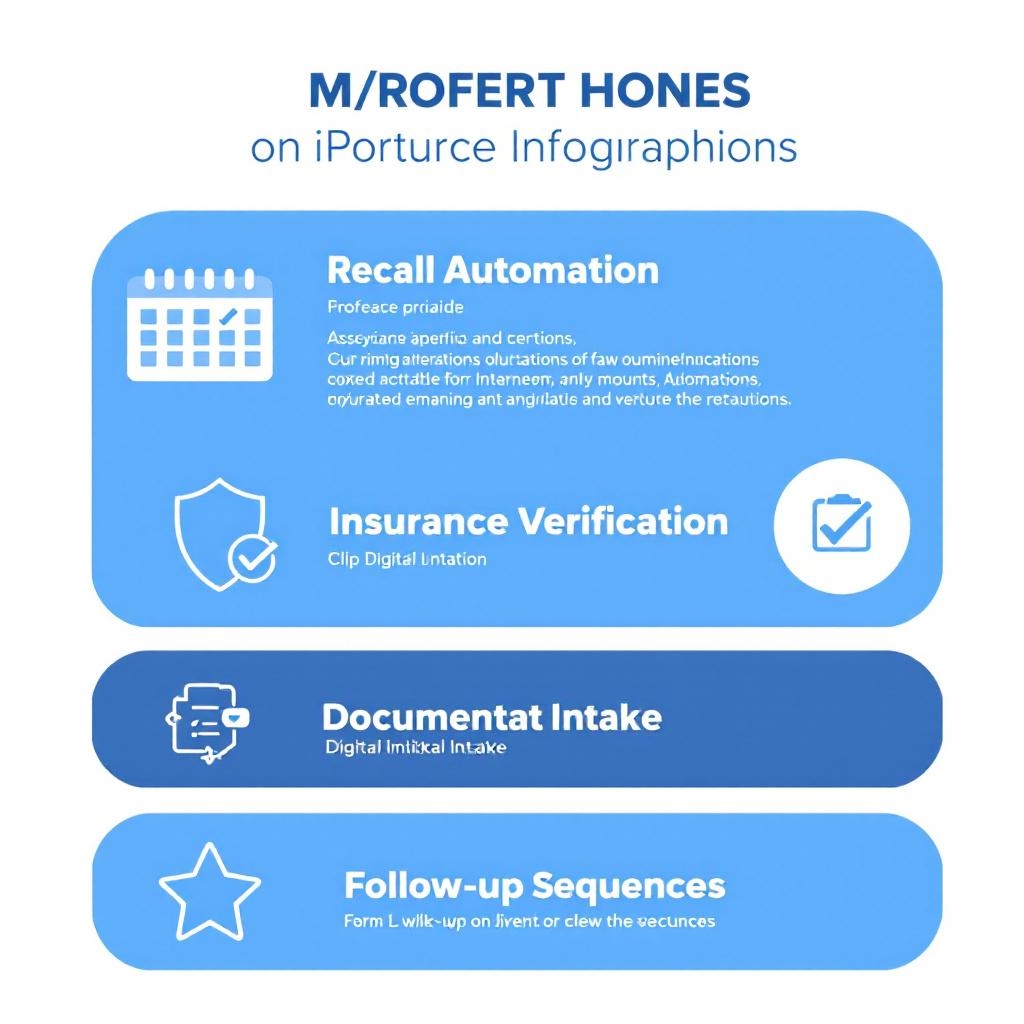
Workflow 3: Clinical Documentation — AI-Assisted Chart Notes
Time saved per week: 2–5 hours (varies by provider volume)
This is the workflow dentists feel most directly. Clinical documentation — periodontal charting notes, treatment notes, patient history summaries — is time-consuming and largely formulaic. The clinical findings change; the structure doesn't.
AI scribing tools use a microphone in the operatory to capture the provider-patient interaction and generate a structured draft chart note. The dentist reviews, edits, and signs. What used to take 5–10 minutes of typing after each patient takes 60–90 seconds of review.
For a provider seeing 15 patients per day, this is 75–150 minutes of recovered time daily. Over a week, that's significant — and it compounds. Less end-of-day charting means less provider burnout and more consistent documentation quality.
The HIPAA dimension here is meaningful: audio recorded in the operatory contains PHI. Any AI scribing tool must have a BAA in place, process audio on compliant infrastructure, and have a clear data retention and deletion policy. Don't accept verbal assurances — review the BAA and the terms of service before deployment.
Implementation note: Most AI scribing tools are cloud-based SaaS with per-provider monthly pricing ($150–$400/month per provider). ROI is typically clear within the first month for practices with 10+ daily appointments per provider.
Workflow 4: New Patient Intake and Pre-Visit Communication
Time saved per week: 1.5–3 hours
New patient onboarding is paper-intensive even in digitized practices. Medical history forms, insurance information, HIPAA acknowledgments, consent forms — all of it needs to be collected before the first visit. AI doesn't generate this paperwork, but it dramatically reduces the staff time spent chasing it.
An AI-driven intake workflow sends new patients a personalized pre-visit sequence the moment they're added to the schedule: a welcome message with a digital intake link, automated reminders at 72 hours, 24 hours, and 2 hours if forms haven't been completed, and a day-before appointment summary with parking instructions, what to bring, and what to expect.
The AI layer handles the sequencing, personalization, and non-response escalation (flagging to staff only when forms are missing 2 hours before the appointment rather than constantly monitoring the intake queue). Staff spend their time on the exceptions, not the routine follow-up.
Implementation note: This is one of the simpler integrations. Most practice management systems have webhooks or export options that can trigger an intake sequence. Can be built on platforms like Zapier or n8n with a forms tool and a messaging layer, or as a custom integration for practices wanting full ownership of the patient experience.
Workflow 5: Post-Treatment Follow-Up and Review Generation
Time saved per week: 1–2 hours | Revenue impact: meaningful
Post-treatment follow-up is a high-value touchpoint that most practices underinvest in because it requires time and manual effort to do consistently. Most patients get a generic "thank you for your visit" email at best.
An AI-driven post-visit workflow changes this: 24 hours after a procedure, the patient gets a personalized message that references their actual treatment ("Hope your extraction site is feeling better — it's normal for some swelling to continue through day 3"). At day 5, a follow-up check: any concerns? Day 10, if they haven't left a review and sentiment indicators are positive (no complaint messages, no reschedule-for-pain calls), a review request.
The review request timing is key. Generic practices ask for reviews on the day of the visit, when the patient is still numb or preoccupied. AI-timed requests at the 10-day mark — when the procedure is resolved and the patient has had a positive experience — convert at significantly higher rates.
For practices actively investing in local SEO, Google review velocity is a ranking factor in the local pack. More reviews, more recent, more consistently positive — all three improve visibility for "dentist near me" searches. This one workflow pays for itself in referral volume within 3–6 months for most practices.
What to Prioritize First
If you're implementing AI in a dental practice from scratch, the sequencing matters.
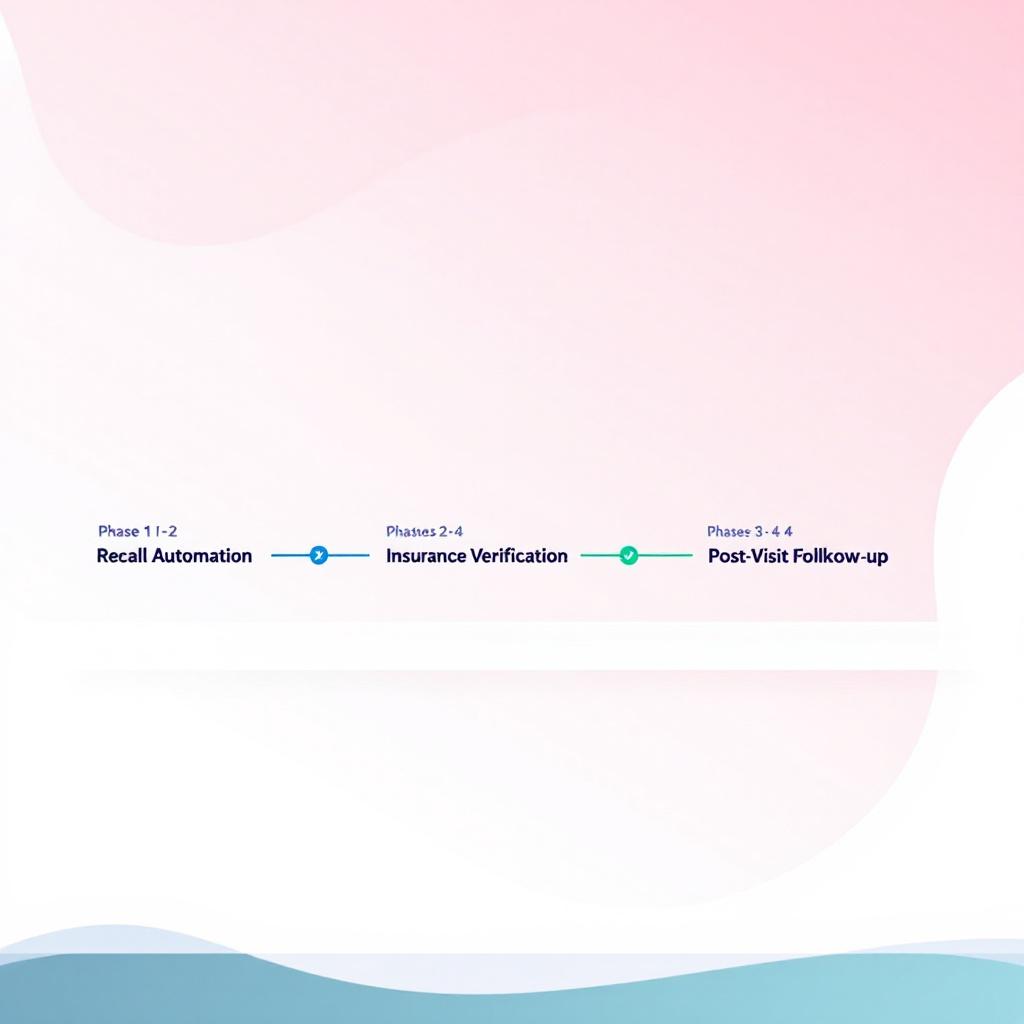
Start with recall automation (Workflow 1). It has the highest time savings, the clearest ROI, and the most predictable implementation. Most practices can get this running in 4–6 weeks with an existing messaging platform.
Add insurance verification scrubbing (Workflow 2) second. The ROI from avoided denials is tangible and fast. This one often surprises practice owners — the savings from cleaner claims can be larger than the time savings.
Add post-visit follow-up (Workflow 5) third. It compounds over time. The review velocity benefit is slow to start and significant at 6 months.
Hold documentation AI (Workflow 3) and intake (Workflow 4) until you have the first three running. They require more internal change management — provider buy-in for scribing, staff workflow changes for intake — and you want quick wins established first.
Building Custom vs. Buying Off-the-Shelf
Most of the workflows above can be partially addressed by existing dental-specific SaaS (Weave, Solutionreach, Kareo, NexHealth). The advantage is speed and existing integrations. The disadvantages are cost stacking, vendor lock-in, and the fact that off-the-shelf tools are built for the average practice — not your specific workflows.
A custom AI build — one that owns the integration between your PMS, your messaging layer, and your specific procedure mix — costs more upfront but owns the IP, has no per-seat pricing, and can be tuned to your patient demographics and procedure volume.
The decision point is usually patient volume. Under 500 active patients, off-the-shelf wins. Over 1,000 active patients with 3+ providers, a custom build typically crosses over on cost within 18 months while delivering better fit.
For a full breakdown of when custom AI development makes financial sense, see our Custom AI vs. off-the-shelf guide.
The Bottom Line
Dental practices are running the same time-intensive workflows they ran a decade ago — recall calls, insurance lookups, chart notes, intake follow-up — but they're doing it with patients who now expect faster, more personalized communication.
AI doesn't require replacing your practice management software, hiring a data team, or making a large upfront commitment. The five workflows above are all additive — they plug into what you already have and automate the repetitive layer on top.
The practices that move on this now are building a compounding advantage. Every month of consistent recall automation is a month of better recall rates. Every month of review generation is a month of local SEO gains. The window for early-mover advantage in dental AI is still open — but not indefinitely.
Auth Software builds custom AI systems for healthcare and professional services businesses. If you're evaluating what AI could look like in your practice, we'd be glad to walk through it with you.
Continue reading
The BCBA's Guide to HIPAA-Compliant ABA Practice Management (2026)
Most ABA agencies assume they're HIPAA compliant because they use CentralReach. They're usually wrong — not about the EHR, but about everything around it. A plain-language breakdown of what HIPAA actually requires for ABA practices, where most agencies have gaps, and how to close them.
AutomationCentralReach vs. Custom ABA Software: When Your Practice Has Outgrown Off-the-Shelf
CentralReach is the dominant EHR in the ABA market for good reason. But there's a specific set of scenarios where it stops being the right choice — and when practices hit those scenarios, they usually don't realize it until they've already built a year's worth of workarounds.
AutomationHow ABA Agencies Are Automating Billing, Intake, and Supervision Tracking with AI (2026)
The average ABA agency running 20 active clients has at least three manual workflows that consume 10–15 hours of admin time per week: authorization renewals, new client intake, and BACB supervision tracking. In 2026, all three are automatable. Most practices haven't automated any of them.